
When you click on the + symbol next to Current on a Voyage Detail view, this page appears:
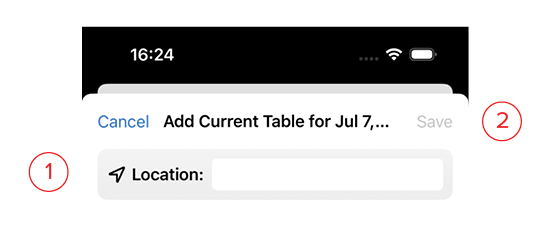
- Location: Name of location for a new Current Table.
- Save: This button will turn blue once you’ve filled in the information. Clicking this saves it and returns you to the Day view.