
When you click on an item in the Vessel Details, this page appears:
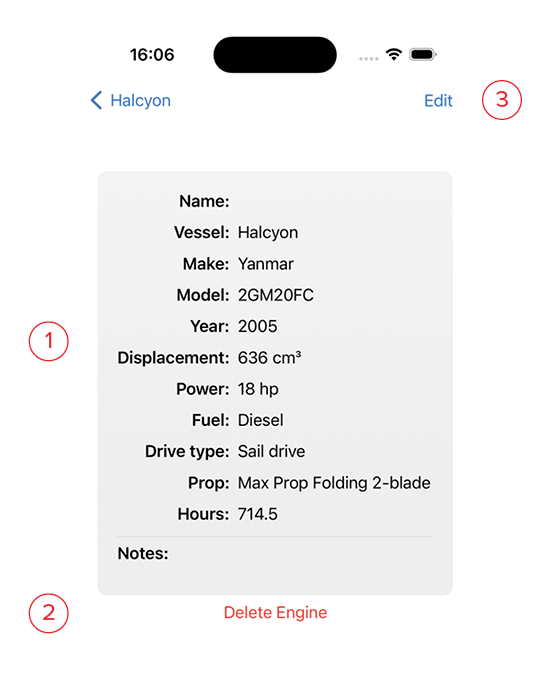
- Info: This is the information entered in the New Engine screen. The price shown on this screen will always be converted to your home currency regardless of the currency it was purchased in.
- Delete: Click this button to delete the engine.
- Edit: Clicking this button brings up an editor screen so you can make changes to the entered data. The edit screen is identical to the New Engine screen.