
When you click on the add new icon from the Compartment List, this page slides up from the bottom of the screen:
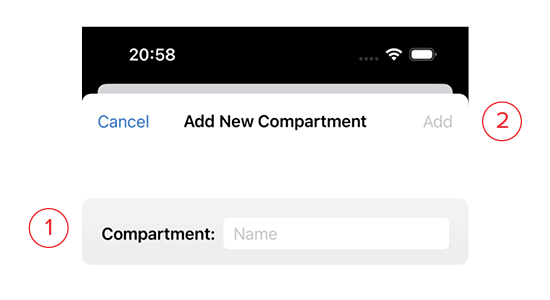
- Name: The name of the compartment.
- Add: This button will turn blue once you’ve given the compartment a name. Clicking this saves it and returns you to the list.