
When you click on an item in the Guests & Crew List, this page appears:
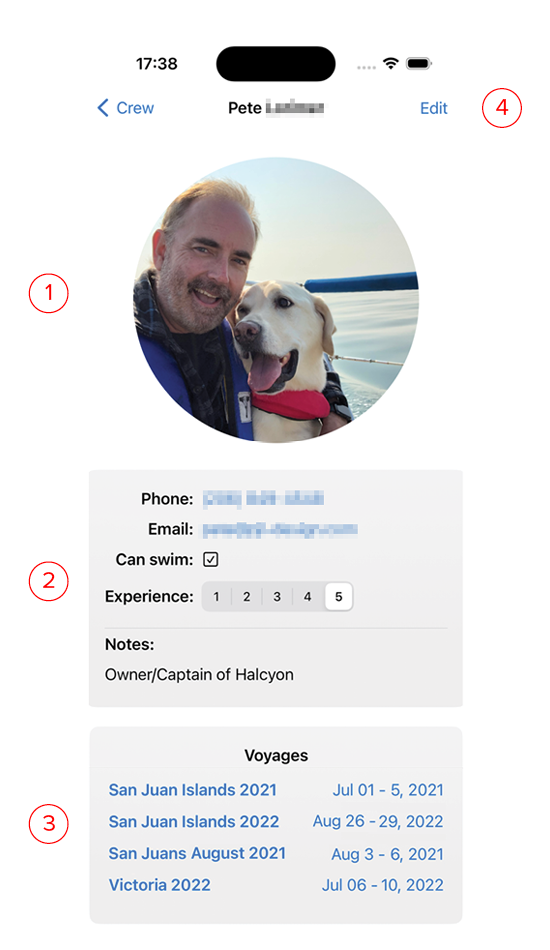
- Photo of the inventory item if one was added. Tapping on the photo will enlarge the image to full screen, and allow you to zoom.
- Info: This is the information entered in the New Guest/Crew screen. The price shown on this screen will always be converted to your home currency regardless of the currency it was purchased in.
- Voyages: This is a list of all the voyages this person went on.
- Edit: Clicking this button brings up an editor screen so you can make changes to the entered data. The edit screen is identical to the New Guest/Crew screen.